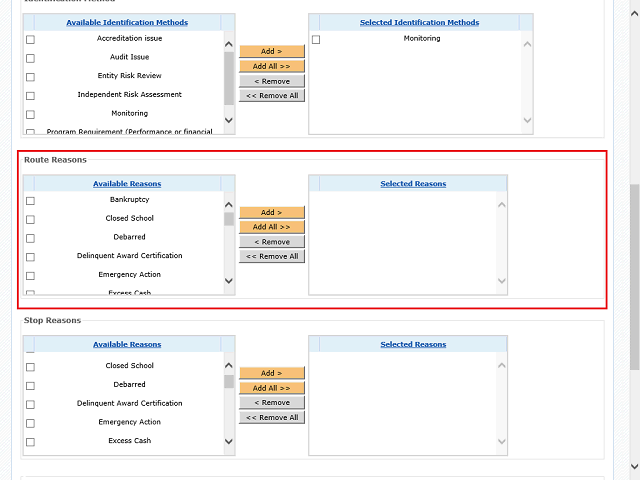
Note: When placing a grantee on Route Payment, you will select the appropriate reasons in the Route Reasons section.
Next Step
Table of Contents Topic Overview BackPress Alt + Left Arrow to return to the previous page