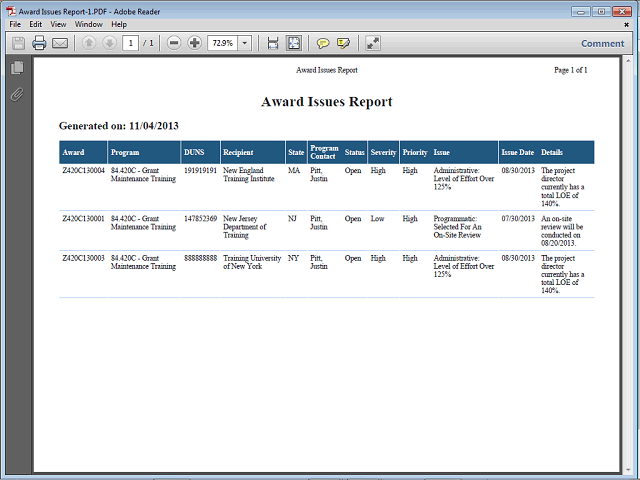

The requested report is now ready for viewing and printing.
Click the Print icon to print the report.
Note: If the user needs to inquire/edit a displayed grant issue, please refer to the documentation that identifies procedures for Inquiring and Editing a grant issue.