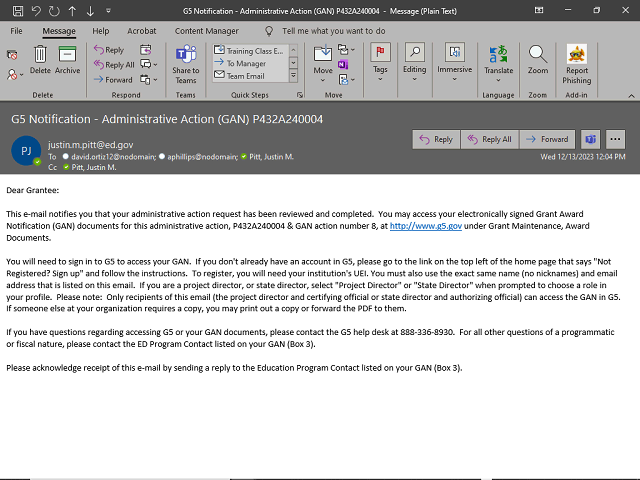
Note: After you complete the electronic signature, an email will be sent to the grantee's Project Director and Authorizing Official notifying them that the admin action has been completed and providing guidance on how they can obtain a copy of the GAN in G5. An example of the email is shown here.
Additionally, the GAN will be saved to the award's Grant File through an automatic process which runs every two hours in G5.