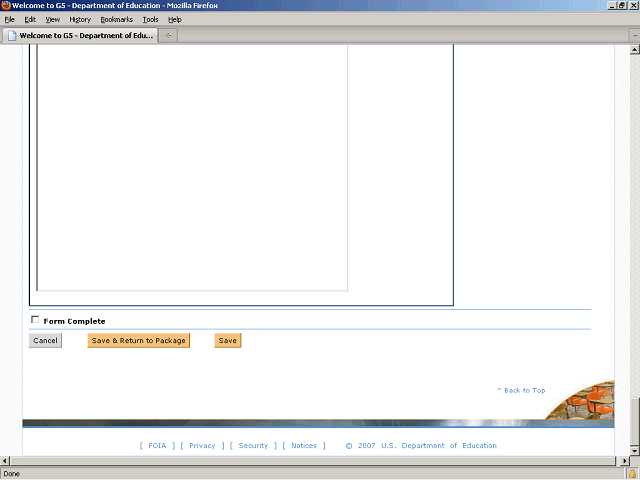

After you finish entering the data on the form, click the Form Complete option to indicate that you have completed the form.
Note: You need to mark each required form as complete in order to submit your package. You may edit the forms as many times as you like before submitting the package.